Google Chrome
Safe, fast, and reliable browsing with Google Chrome

Safe & Secure
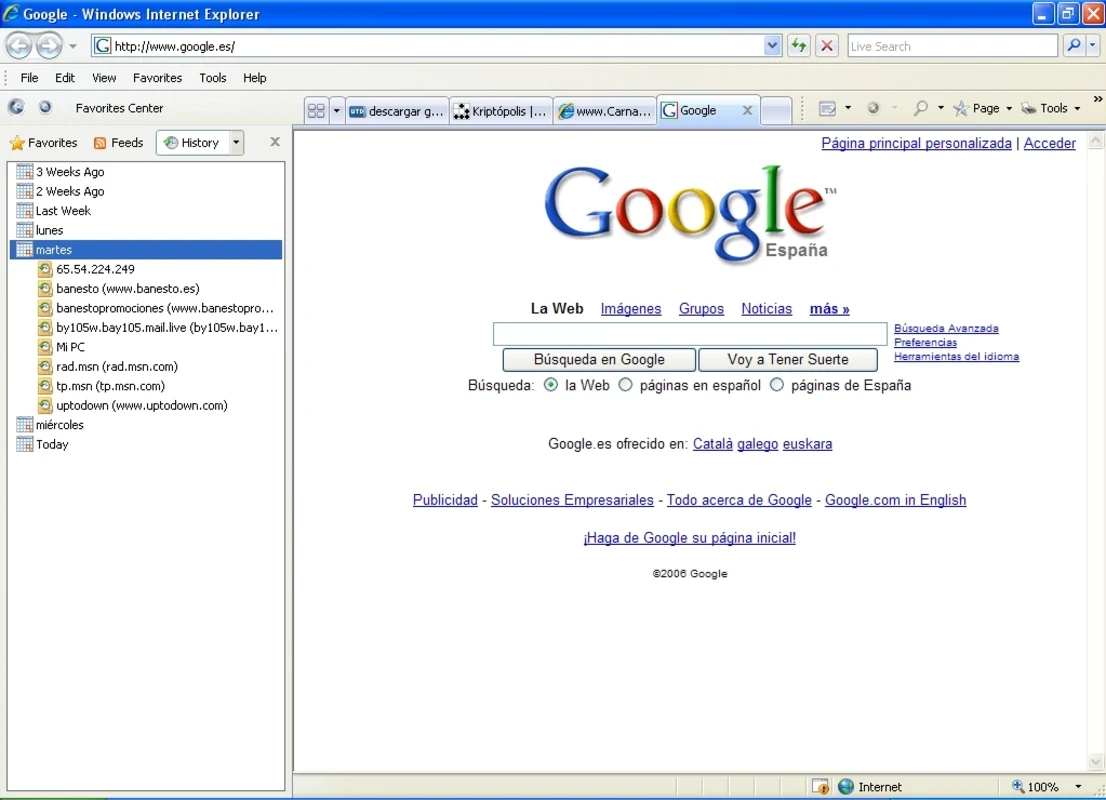
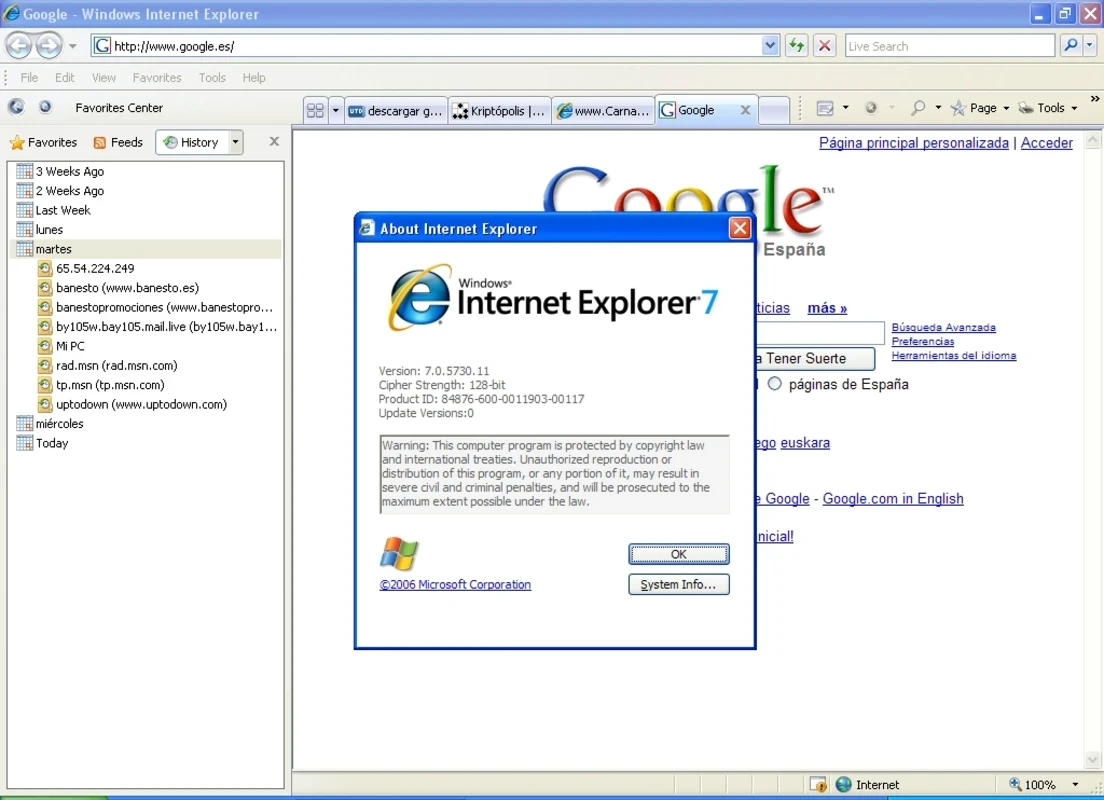
Internet Explorer is a powerful web browser that, as compare it predecessors, offers multiple significant improvements for security, user interface, and web standards support. It is most suitable for certain legacy applications, maintaining compatibility with older websites and internal systems.
The app supports HTML, CSS, and JavaScript to make it possible the displaying of huge variety of websites, and proves a comprehensive milestone in Internet history, offering multiple groundbreaking features such as tabbed browsing, favorites, history management, and so on.
Internet Explorer, or IE, previously called Microsoft Explorer and Windows Internet Explorer, developed by Microsoft for Windows operating systems, is a retired series of graphical web browsers. It was released in 1995 as the default browser for Windows 95 onwards. However, Microsoft has discontinued official support, and it can be reloaded with Internet Explorer mode in Microsoft Edge.
The app, despite official discontinued support, offers a lot of the latest capabilities and support for ECMAScript 6 standards, WebGL, and high-quality HTML5 video without plugins, making it one of the best solutions for Internet browsing.
The app offers an address bar with a search bar on the right of the app. You will find a drop-down menu after clicking on the arrow at the end of the address bar, and easily view frequently visited websites. It helps you to revisit any website quickly. Simply type a letter in the address bar, and get a view of multiple websites starting with the letter that you have already visited. The default search engine used by Microsoft is MSN Search in the address bar. You can use another search engine by clicking the button beside the address bar, such as Google, AOL Search, and so on.
The straightforward user interface is reliably accessible for all types of users without requiring much technical skill. You can navigate intuitively with clearly labeled buttons, a simple address bar, and support for tabbed browsing. The expanded simplicity may dishearten professional users, as they have limited customization options. It offers enhanced accessibility while including multiple innovative features such as screen reader support, keyboard navigation, and so on.
It is one of the significant features, enabling users to open new tabs instead of opening multiple windows for viewing various websites simultaneously. Simply click any tab to quickly switch to another site. However, the feature can slow down your system performance, as opening multiple tabs can create a lag time and can cause buffering when loading videos you want to watch.
The app is basically designed for the Windows operating system, so you will find reliable performance and effortless compatibility with multiple websites and web technologies. In addition, you can add a wide range of add-ons and extensions to the app to enhance productivity. The app is reliably customizable according to user preferences for a robust browsing experience.
Avoid all types of malicious websites and potential threats with the introduced security measures over the years. The built-in security option is equipped with an anti-phishing feature to control the security of the websites you want to visit. When searching any of your desired websites, the feature alerts you if there is any security threat, enabling you to avoid potentially dangerous sites. Even if you manually enter the address of any website, it quickly sends an alert to block the site in case of detecting any phishing content.
The app was highly praised for offering seamless integration for multiple Microsoft products. Outlook ensures a smooth and stable workflow between apps, opening email links for launching the Explorer by default. The integration with OneDrive enables users to easily access cloud files and other shared content right from the browser. However, this integration is highly expanded within Microsoft Edge.
The feature allows users to easily access their favorite sites and content, subscribing and receiving automatic updates in real-time on news, blogs, and so on. In this way, you do not need to manually visit each website to get your desired information, and it reliably speeds up online content consumption. The app will display any new content posted after you have added the subscriptions.
The availability of multiple convenient buttons at the top of the screen for corresponding with various features. Favorites is one of the major buttons for keeping all of your favorite websites. Bookmarks is another important button for viewing your bookmarks. You can also view all the feeds you have followed and also check your browsing history using the very specific buttons. In fact, one of the best solutions without a lot of bells and whistles.
Pros
Cons

Safe, fast, and reliable browsing with Google Chrome

Opera offers the best browsing functionalities including built-in VPN, ad-blocker, and Turbo mode.

Fast Browsing with offering Cutting-edge Security and Speed.

UC Browser for PC, the leading mobile browser now available for PCs

Cent Browser is a Chromium-based browser with seamless browsing online

Firefox can display a large number of pages and extra capabilities that can help you online very fast.